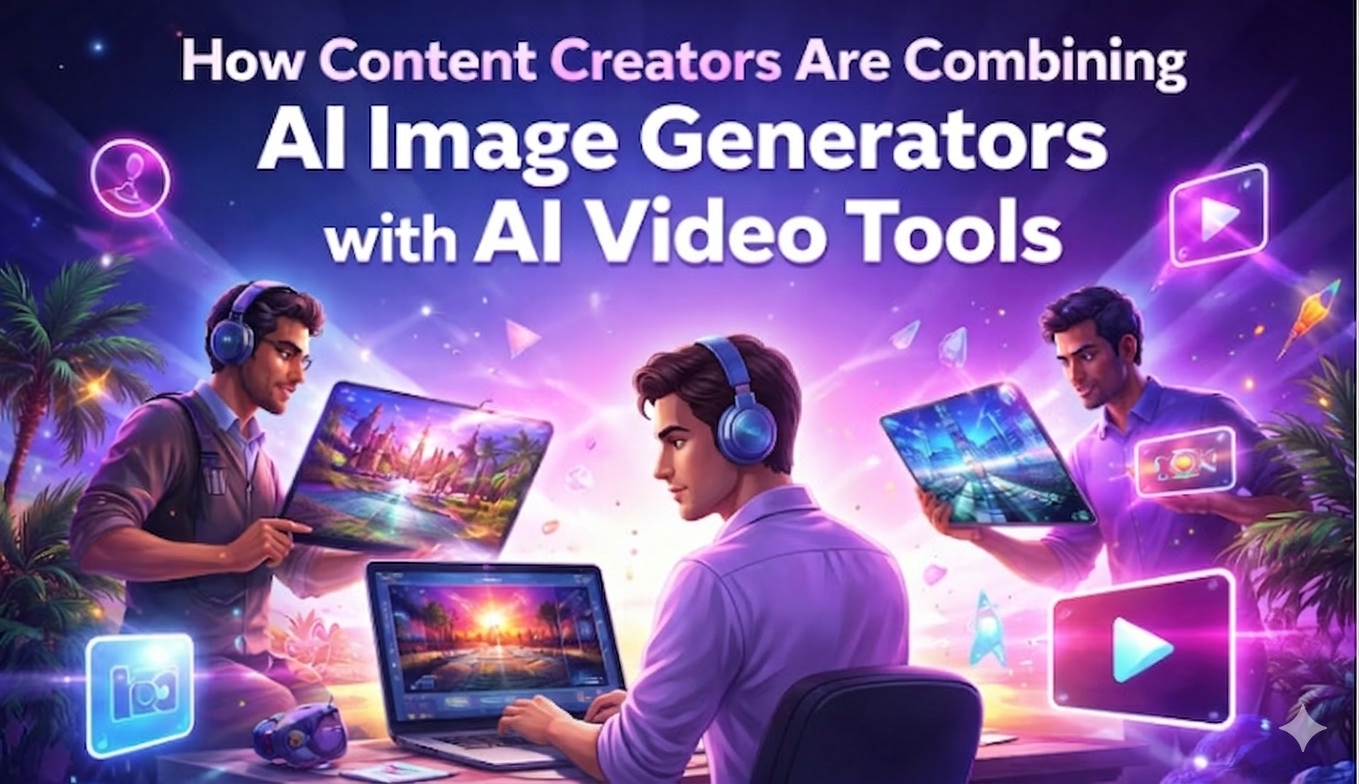
Producing a single polished video used to mean juggling at least three or four tools, one for scripting, another for sourcing visuals, a third for editing, and maybe a fourth for voiceovers. Today, creators are collapsing that entire workflow into one sitting by pairing AI image generators with AI video tools. The result isn’t just faster production; it’s a fundamentally different creative process.
This article breaks down exactly how that combination works, where it’s being applied, and why platforms like Invideo are making it easier than ever to bring both capabilities under one roof.
Why AI Image Generators and Video Tools Work Better Together
On their own, AI image generators are already a significant time-saver. A creator can type a detailed prompt say, “futuristic city skyline at dusk, cinematic lighting, purple tones” and receive a production-ready visual in seconds. No stock photo licensing, no designer brief, no back-and-forth.
But the real unlock happens when those generated images feed directly into a video pipeline.
Here’s a practical example of how this works in practice:
- A creator starts with a script or text prompt, for instance, a 60-second explainer on “how solar panels work.”
- The AI video tool breaks it into scenes and identifies what visuals are needed for each segment.
- For scenes without suitable stock footage, the creator uses an AI image generator to produce custom visuals on the spot, diagrams, conceptual illustrations and branded backgrounds.
- Those images slot directly into the video timeline, alongside AI-generated voiceover and background music.
- The final video is exported in minutes, without a single external tool or designer involved.
This kind of end-to-end workflow, which used to take a small production team a full day, now takes one person under an hour.
Real-World Use Cases Driving Adoption
1. Social Media Content at Scale
Instagram Reels, TikTok, and YouTube Shorts demand a relentless publishing cadence. Creators who post consistently, ideally multiple times per week, simply can’t afford to spend three hours per video. By generating custom visuals with an AI image tool and assembling them into video with a platform like Invideo, creators can produce a week’s worth of short-form content in a single afternoon.
The added benefit is visual consistency. Because the image generator can apply the same style, color palette, and aesthetic across every asset, the final videos feel on-brand without manual design work.
2. Marketing and Promotional Videos
Product launches, event announcements, and ad campaigns all require visuals that don’t exist yet, you can’t pull a stock photo of your specific product in a specific context. AI image generators solve this by producing custom product mockups, lifestyle imagery, and branded scenes on demand. Paired with InVideo’s video editor, those images become part of polished promotional videos that can be pushed across channels within hours of ideation.
3. Educational and Explainer Content
For educators, coaches, and B2B brands creating explainer content, the combination is particularly powerful. Abstract concepts, financial models, technical processes, scientific ideas, are notoriously hard to illustrate with stock footage. AI-generated images can visualize almost anything a text prompt can describe, turning complex topics into clear, engaging visuals that make explainer videos significantly more effective.
How Invideo Brings It Together
Invideo platform is built around the idea that the gap between an idea and a finished video should be as small as possible. Its AI video generator can produce a fully structured video, complete with scenes, voiceover, subtitles, and music, from a single text prompt. Its integrated AI image generator means creators don’t need to leave the platform to source or create custom visuals.
This tight integration matters more than it might seem. Every time a creator has to switch tools, they lose context, time, and creative momentum. Having image generation and video assembly in the same workspace eliminates those friction points and keeps the creative process fluid from start to finish.
What to Keep in Mind
The combination of AI image generation and AI video tools is powerful, but it works best when the creator stays in the driver’s seat. AI handles execution; the creator still needs to provide clear direction, detailed prompts, strong creative references, and an eye for what looks right in context. The tools amplify creative vision; they don’t replace it.
It’s also worth noting that output quality scales with prompt quality. Creators who invest time in learning how to write precise, descriptive prompts for image generation will consistently get stronger results than those who rely on generic inputs.
The Takeaway
AI image generators and AI video tools aren’t just two separate productivity upgrades, they’re most valuable when used as a connected workflow. Together, they give creators the ability to produce high-quality, visually distinctive content at a pace and cost that would have been impossible a few years ago. Platforms like InVideo are making that combined workflow increasingly accessible, and creators who adopt it early are building a real production advantage.
If you haven’t experimented with using AI-generated images inside your video projects yet, it’s worth starting with a single test video. The workflow is more intuitive than it sounds, and the time savings are immediate.